title: "We Tried to Break Into the VaultSort Vault" date: "2026-09-12" excerpt: "We locked a Vault, then went after it with nothing but its own files — searching for names, guessing passwords, forging keys. None of it worked. Here is exactly what we tried, what a locked Vault gives away, and the one thing that is still up to you." coverImage: "/images/blog/vault-security-review.png" categories: ["Security", "Encryption", "Privacy"]
We Tried to Break Into the VaultSort Vault
"It's encrypted" is the easiest claim in software to make and one of the hardest to check. So rather than repeat it, we tried to prove it wrong.
We built a real Vault, filled it with things that would be easy to spot, locked it, and then attacked it with the only thing someone who finds your laptop, your backup drive or a copy of your Vault folder would actually have: the files on disk. No password. No security key. No recovery code.
Here is what we tried, what happened, and what a locked Vault does — and does not — give away.
The setup
We created a Vault protected by a password and put three things in it, each marked with a string nobody could mistake for anything else:
- a file with a distinctive name and distinctive contents
- a folder with a distinctive name
- a note with a distinctive title, containing a line written to look like a bank password
Then we locked it. From that point on, everything happened against the folder alone.
What we tried
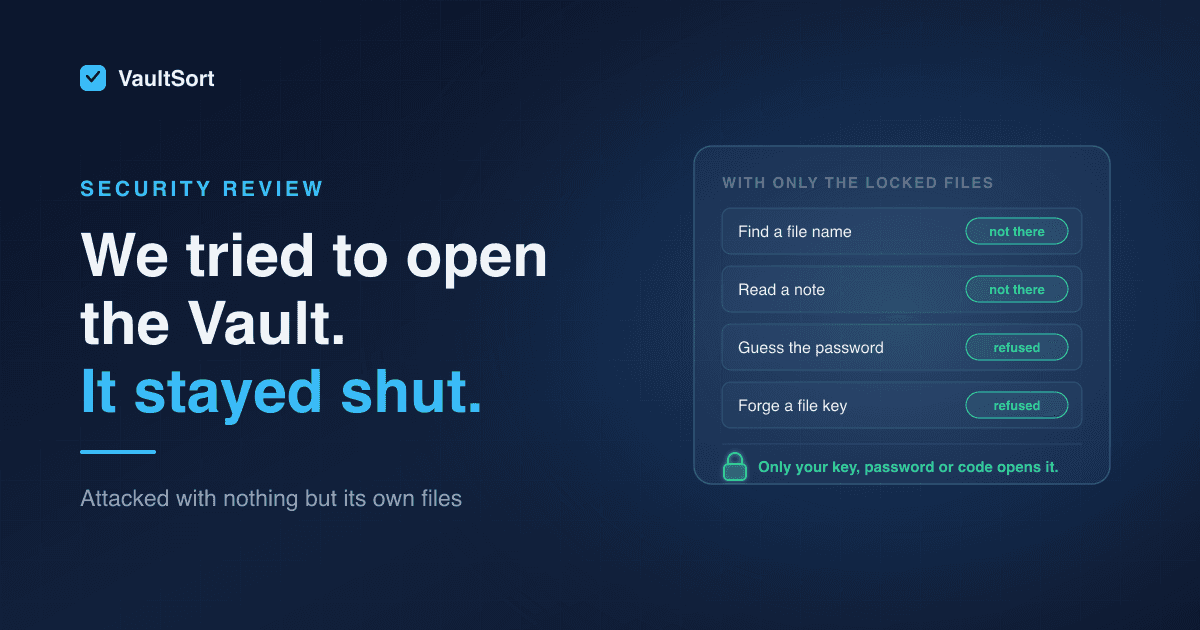
| What we tried | What we got |
|---|---|
| Search every byte of the Vault for the note's text | Not there |
| Search for the note's title | Not there |
| Search for the file's contents | Not there |
| Search for the file name or the folder name | Not there |
| Open the Vault with a wrong password | Refused |
| Decrypt a file with a key built from the Vault's own header | Refused |
| Decrypt a file with an all-zero key, or a random one | Refused |
| Open the Vault with the right password | Opened normally |
The last row is the control. It shows the Vault was working, and that everything above it failed because it was designed to.
The searches matter most. A locked Vault does not contain your file names, folder names or note titles in readable form — not in its files, not in an index, not in a log. They exist in exactly one place, an encrypted manifest. Someone who opens the folder finds a scattering of files named with random letters and numbers, and no way to tell a tax return from a grocery list.
Why none of it worked
The launch post covers how the Vault is built in depth. The short version explains why these attacks had nothing to work with.

Every item has its own key. Each file and note is encrypted with AES-256-GCM under a fresh 256-bit key used for nothing else. GCM also detects tampering, so a file that has been altered is refused rather than quietly decrypted into something wrong.
Those keys are locked under a master key that is never written to disk. On disk, the master key only ever appears sealed — once for each way you have of opening the Vault. It exists unsealed only in memory, only while the Vault is open, and is wiped the moment it locks.
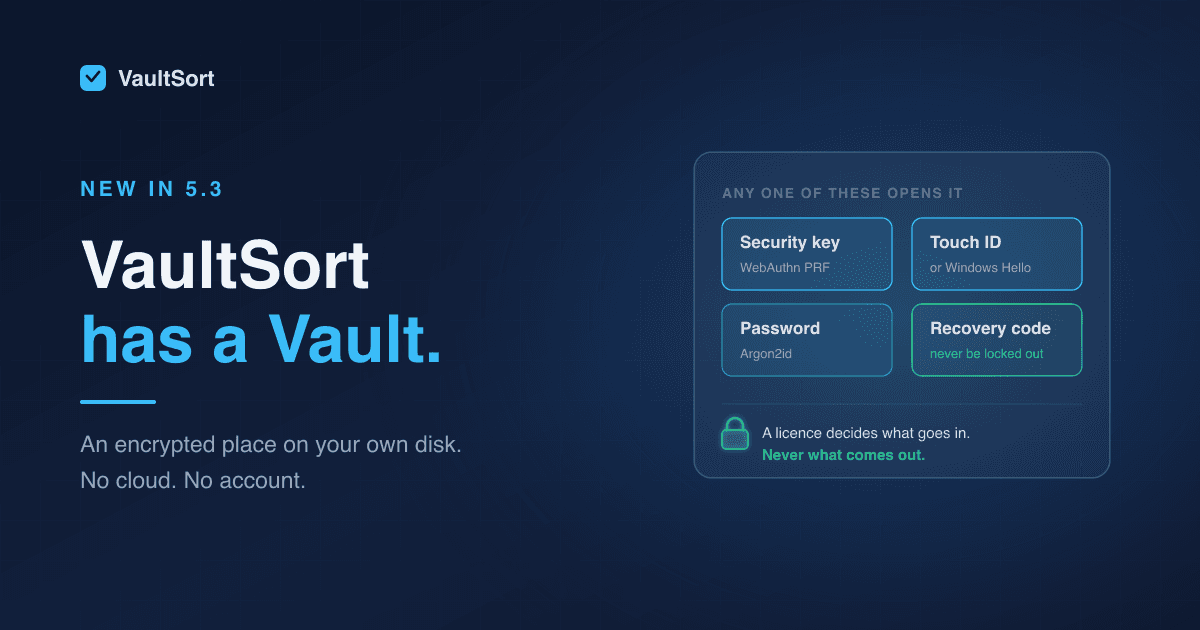
The seals only open with something you hold. A security key produces its secret inside the key itself, and nothing on your disk can stand in for it. Touch ID and Windows Hello work the same way through the operating system. A password or recovery code goes through Argon2id, a deliberately slow, memory-hungry function. None of those secrets is stored anywhere — not in the Vault, and not in the app's settings.
That is why building a key from the header went nowhere. The header holds sealed copies of the master key and the settings needed to open them. It does not hold the ingredients.
What a locked Vault does reveal
Encryption hides contents, not existence, and it is worth being precise about the difference.
Someone with a copy of your Vault folder can see:
- that it is a VaultSort Vault, and when it was created
- how many items it holds, and roughly how large each one is — encryption does not hide a file's size
- which kinds of unlock method it has, such as a security key and a recovery code
They cannot see what any item is called, what it contains, how your folders are arranged, or a single word of your notes.
Built so the files can't be turned against it
Editing the Vault to make passwords cheaper to guess doesn't work. The cost of each password attempt is recorded in the Vault itself, which raises an obvious question: could someone lower it? No. Every attempt is held to a floor of 64 MiB of memory and three passes, whether the Vault is being opened or sealed, and a Vault asking for less is refused.
Nothing decrypted is left lying around. Previewing a file or searching your notes decrypts into memory, never onto disk. The only way plaintext leaves the Vault is when you export something yourself, to a place you choose.
Backups and copies are just as locked. Everything above applies to any copy of the folder — a Time Machine backup, a cloned drive, a USB stick that goes missing. A copy is exactly as unreadable as the original.
The part that is up to you
There is one realistic way into a locked Vault without your help: guessing a weak password.
Someone with a copy of the folder can try passwords offline, for as long as they like. The Vault makes every guess expensive — around a second of work and at least 64 MiB of memory each, which is precisely what makes Argon2id painful to attack at scale — and VaultSort will not accept a weak password in the first place. But a password is still only as strong as the one you choose.
So:
- Make a security key, Touch ID or Windows Hello your everyday way in. There is nothing on disk to guess.
- If you use a password, use a long one you use nowhere else. A passphrase of several random words is ideal.
- Treat your recovery code like a spare house key. It carries 100 bits of randomness, so nobody is going to guess it — but anyone who finds it written down can use it. Keep it off the machine, and out of any note that syncs.
And one boundary worth knowing: encryption protects a locked Vault. While it is open, it is as safe as your logged-in session, which is why the Vault locks itself when you step away.
Check our work
We ran these tests ourselves, against the code that ships in the Vault today. Its encryption has not changed since the Vault arrived in 5.3.
We would rather you did not have to take our word for any of it. The Vault security whitepaper documents the full design — every key and how it is derived, the byte-level file formats, and what someone watching the folder can learn — and is written so a security-minded reader can check the design for themselves, not just read our summary of it. It is free, with no email required.
The Vault is a premium feature of VaultSort for macOS, and in beta on Windows. See everything it can do.