title: "VaultSort for Windows" date: "2026-08-27" excerpt: "Two years of VaultSort on the Mac, rebuilt for Windows — organizing, deduplication, hardware-bound encryption with Windows Hello, secure deletion and whole-drive erase. Here is what works, what is measured, and what is honestly not there yet." coverImage: "/images/blog/vaultsort-for-windows.png" categories: ["Windows", "Announcement", "Organization", "Security"]
VaultSort for Windows
VaultSort has been a Mac application for two years. It now runs on Windows.
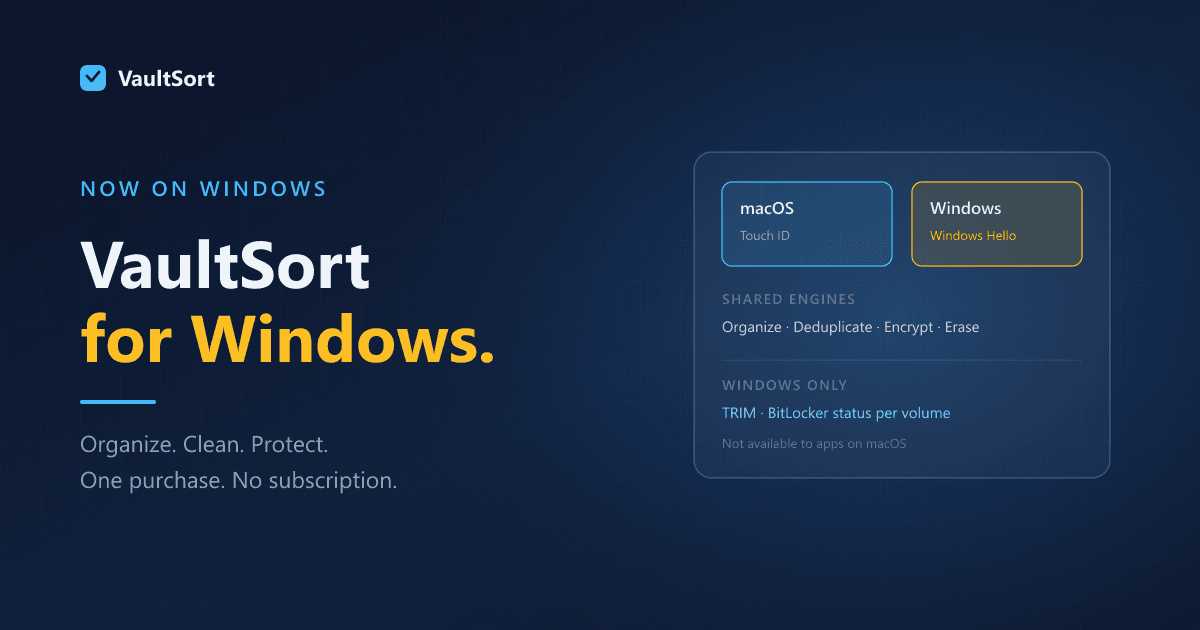
Not a port in the thin sense — a wrapper around the same UI calling out to whatever the platform happens to provide. The parts that touch the filesystem are shared, portable engines, and the parts that cannot be shared were written twice, once per platform, because Windows and macOS genuinely disagree about how deletion, encryption and drives work.
This post is what the Windows build does, what has been measured on real hardware, and what it does not do yet. The last part matters as much as the first.
What it does
Organize a folder in one action, reversibly. Point it at Downloads and files are grouped into folders by type. Undo puts every one of them back. That reversibility is what makes the rest usable — you can try it on a folder you care about.
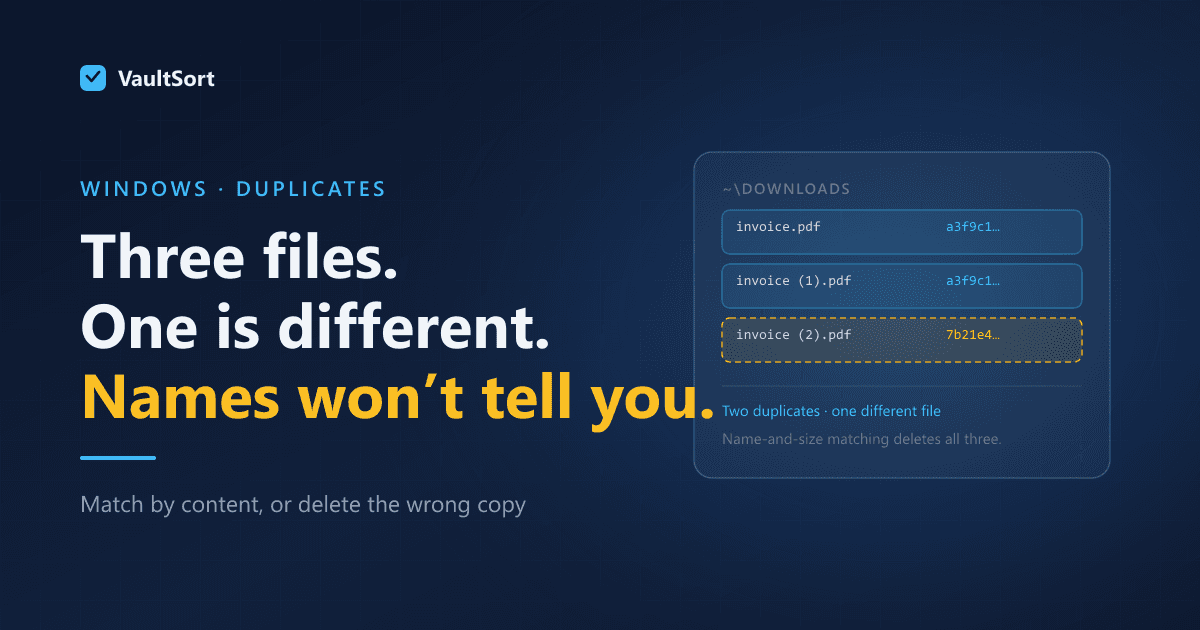
Find duplicates by content. Files are grouped by size, then by a hash of their first 64 KB, and only survivors of both get a full BLAKE3 pass. So invoice.pdf and invoice (2).pdf are compared by what is inside them, not by their names. Nothing is deleted by default: duplicates move to a folder you nominate.
Encrypt files with Windows Hello. Your fingerprint, face or device PIN unlocks the file. AES-256-GCM, authenticated, with the key wrapped once per registered credential — so a YubiKey or any FIDO2 key works alongside Hello, and adding a key later does not mean re-encrypting anything. Nothing is uploaded and there is no account.
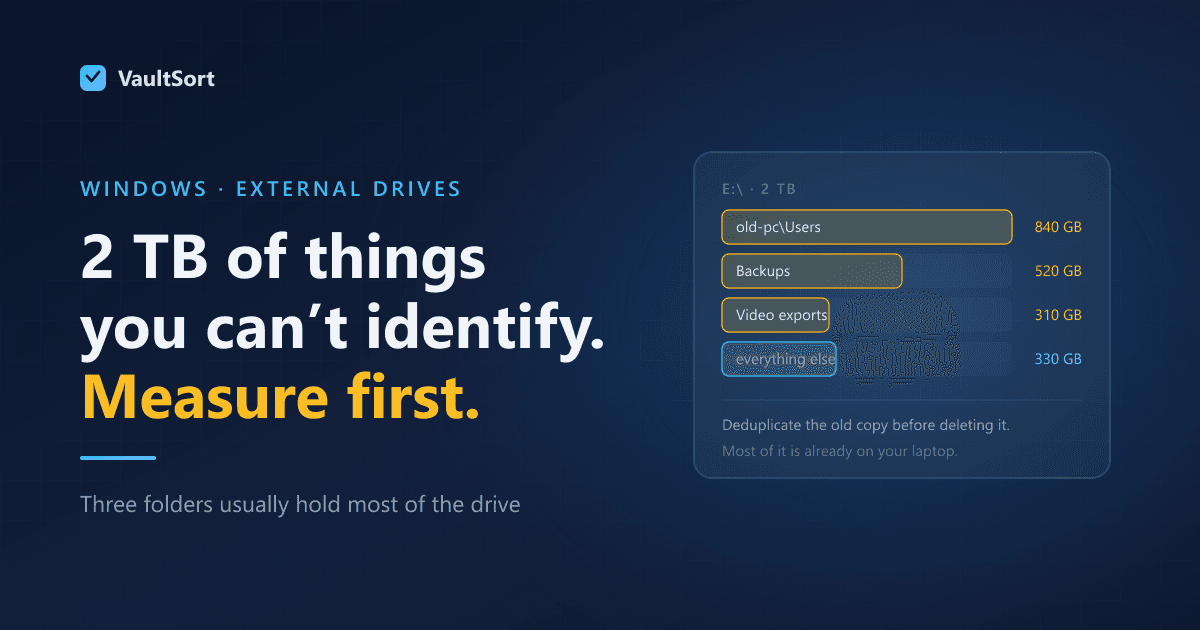
Reclaim space you can actually see. Storage by folder rather than by mystery, a ranked list of large files, and cache cleaning across browsers, developer tooling, and the usual suspects — each category sized before anything is removed.
Delete things properly. Per-file secure deletion that overwrites the alternate data streams Explorer never showed you, free-space shredding for everything you deleted before installing this, and whole-drive erase for a disk that is leaving your possession.
The thing Windows does that the Mac cannot
TRIM. On an SSD, overwriting a file is the wrong instrument — the controller decides which physical cells a write lands on, and the old contents can survive in cells your operating system cannot address. TRIM tells the controller which blocks are free so it can erase them properly. It works with the hardware instead of against it.
Windows exposes this to applications. macOS does not expose any per-volume equivalent an application can invoke. So this is one of a small number of places where the Windows build is simply ahead.
It reports BitLocker status per volume, too — which macOS cannot do for external drives, because the system tool there only covers the internal startup disk.
Numbers from real hardware, not a spec sheet
Erasing a drive is slow, and software that hides that from you is doing you no favours. On a 62 GB Kingston USB drive:
| Operation | Time |
|---|---|
| Whole-disk erase, one pass | 1 hour 9 minutes |
| Whole-disk erase, three passes | 3 hours 29 minutes (173 GiB written) |
Those are stopwatch numbers from a real device, not a throughput calculation. A 2 TB external drive is an overnight job. You should know that before you start rather than three hours in.
One pass is enough on any drive made this century. The multi-pass advice everyone repeats traces to a 1996 paper about encoding schemes that no longer exist, and its own author has said it no longer applies.
What it does not do yet
This is the part most launch posts leave out.
System-level cleanup is partial. The user-level cleaner is exercised end to end on real hardware and is where most recoverable space actually is. The system-level half is narrower than the Mac equivalent — and deliberately so in places: clearing the Windows Update cache forces a pending update to re-download, and clearing Prefetch slows your next few launches, so VaultSort reports that space and lets you decide rather than taking it.
A single volume on a multi-partition removable drive is escalated, not erased. Windows cannot dismount one volume of that layout without erasing it, so VaultSort offers to shred the whole disk instead of quietly doing something narrower than you asked for. You get the option that works rather than a partial result you would have to verify yourself.
The drive Windows is running from cannot be erased. Not by VaultSort and not by anything else — the operating system needs the disk it is executing from.
Why the honesty
A file tool asks for an unusual amount of trust. It moves things, and some of what it does cannot be undone. The only way that trust survives contact with reality is if the tool is accurate about its own limits — including the unflattering ones.
So when an operation cannot reach something, VaultSort says so rather than reporting a success it did not achieve. A locked file is reported, not silently skipped and counted as deleted. That distinction matters more on Windows than on a Mac, where locked files are the exception rather than a routine fact of the afternoon.
Try it
VaultSort for Windows is free to try, with no account required. One purchase, no subscription, every feature included.
Download VaultSort for Windows
Worth reading next, depending on what brought you here: